Images to PDF
Bring selected pictures into one file.
Read what matters. Make the edits. Keep things together. A clear workspace for your documents and PDFs, right on your Android phone.
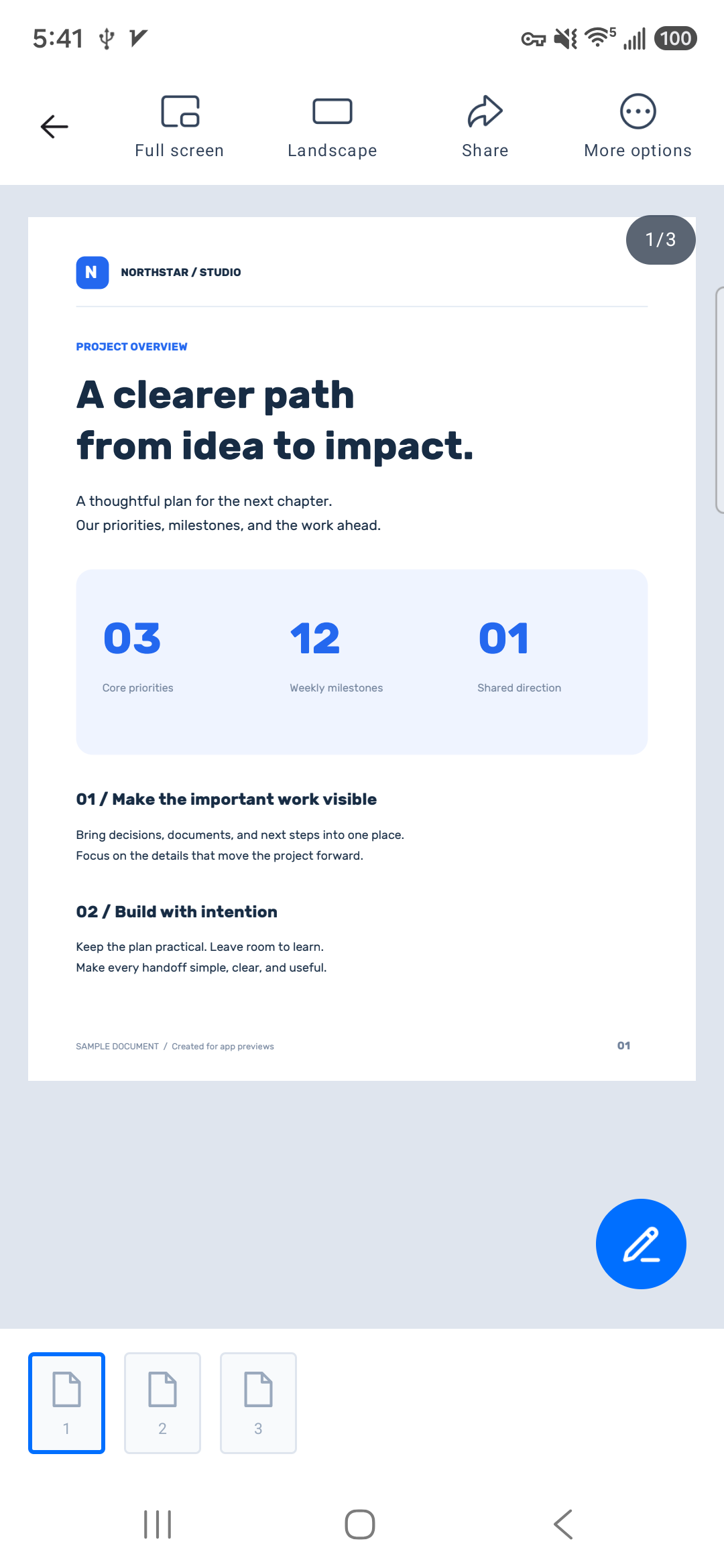
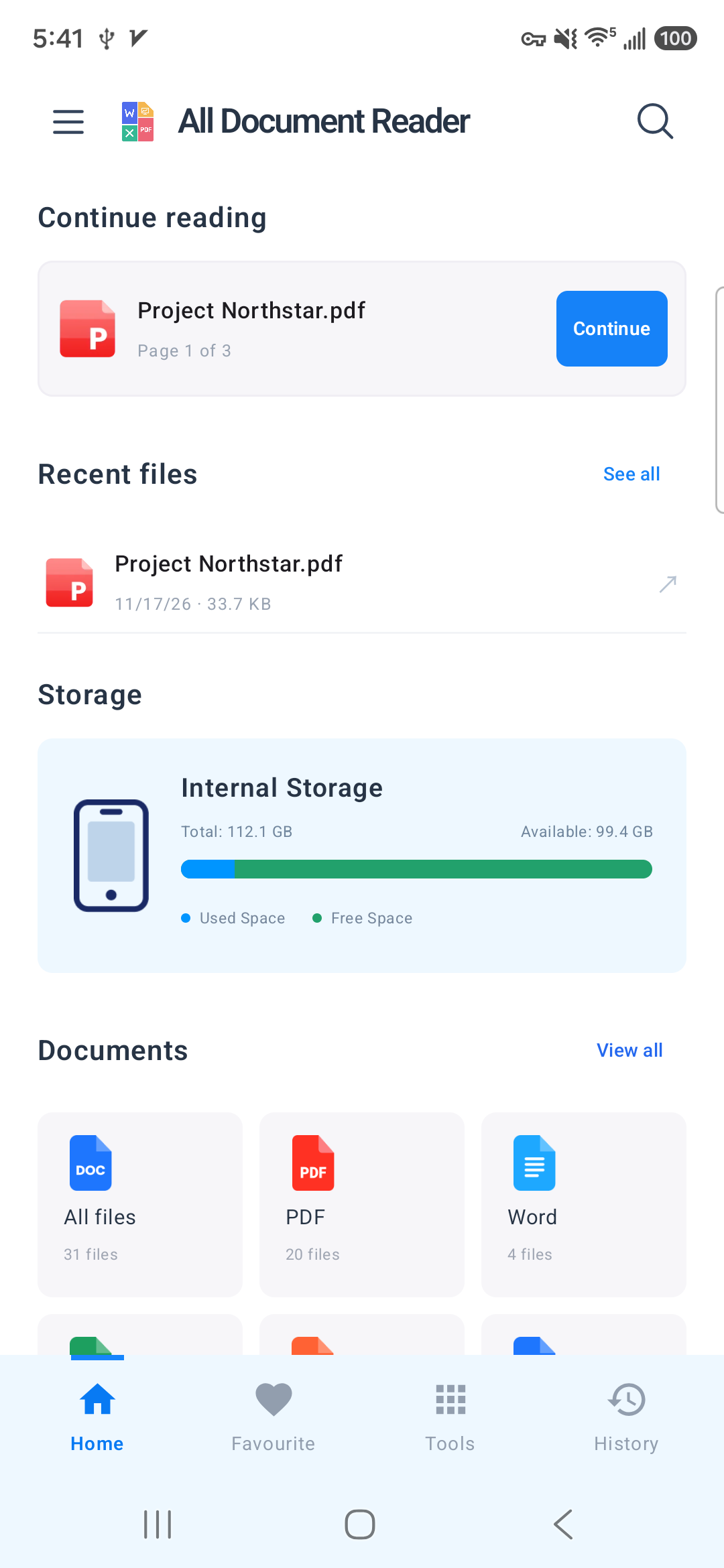
Different files.
One familiar workspace.
From a meeting brief to a spreadsheet, open the files you use every day without losing your place.
The useful things, together. Prepare a document, put its pages in order, or turn it into something easier to share.
Bring selected pictures into one file.
Keep related documents together.
Save the pages you actually need.
Choose from three image-quality levels.
Get every page facing the right way.
Leave out the pages you don't need.
Make a separate copy of your selection.
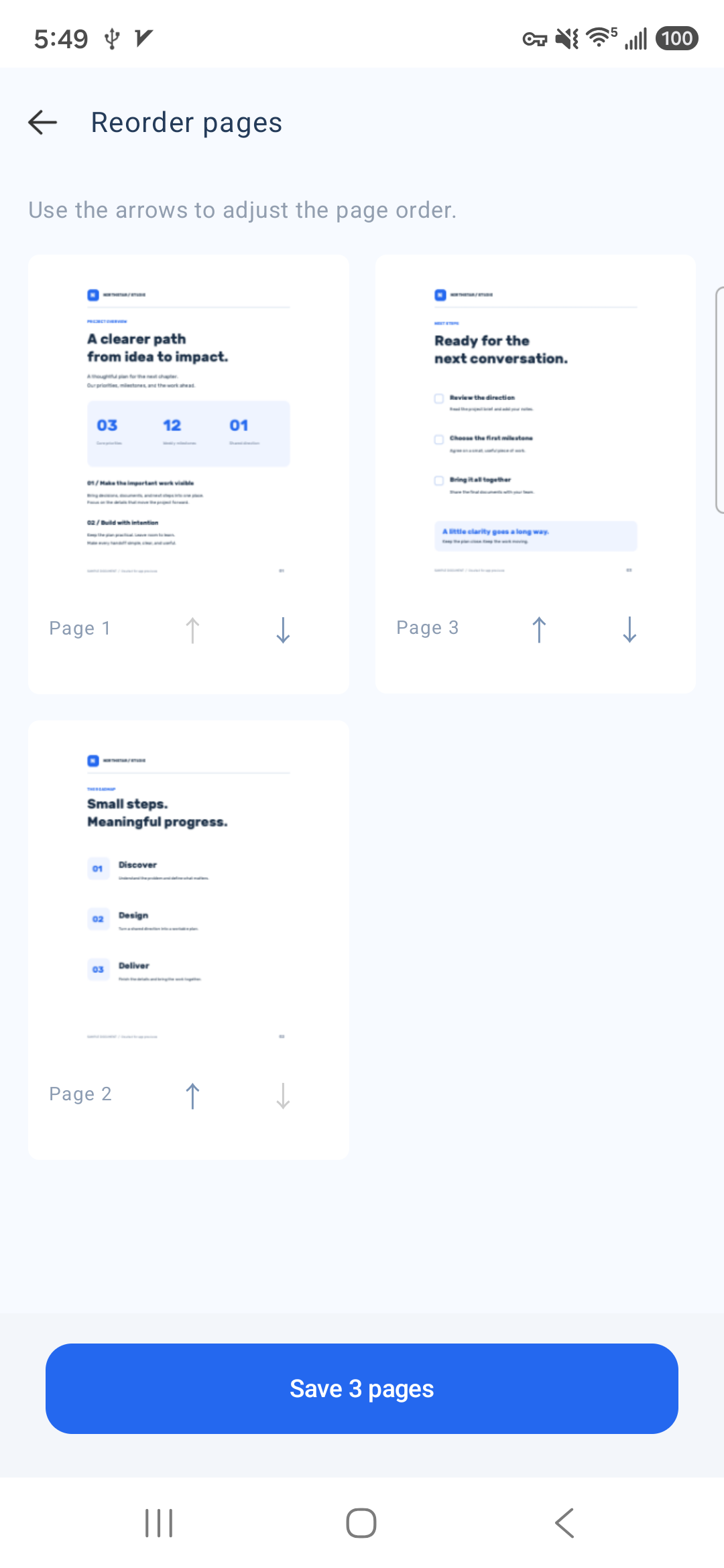
Put the story in the right sequence.
Export DOC and DOCX as PDF image pages.
Save selected pages as JPEG pictures.
Photograph pages and make a PDF.
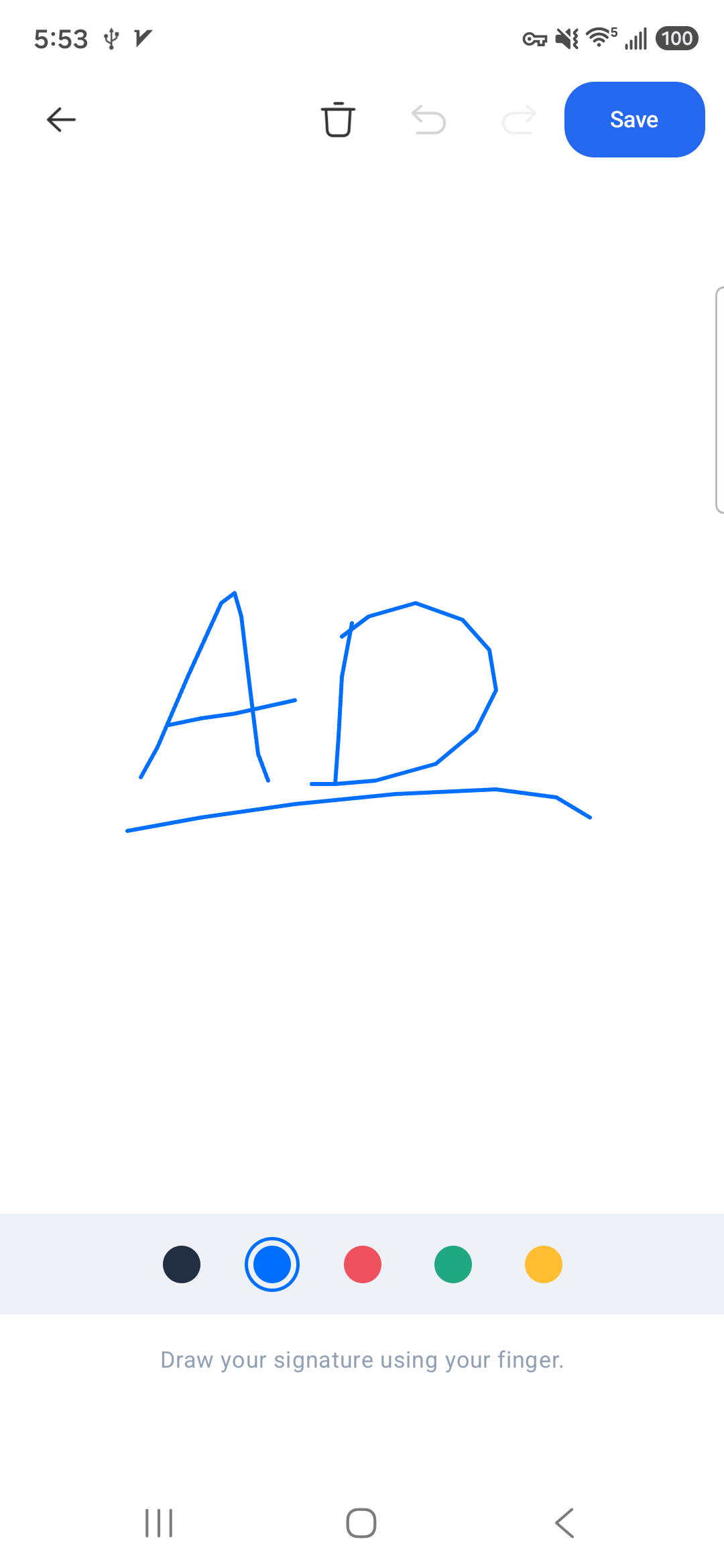
Draw, save and place your signature.
PDF tools save a separate result. Your original document stays available. Compression results depend on the contents of the source file.
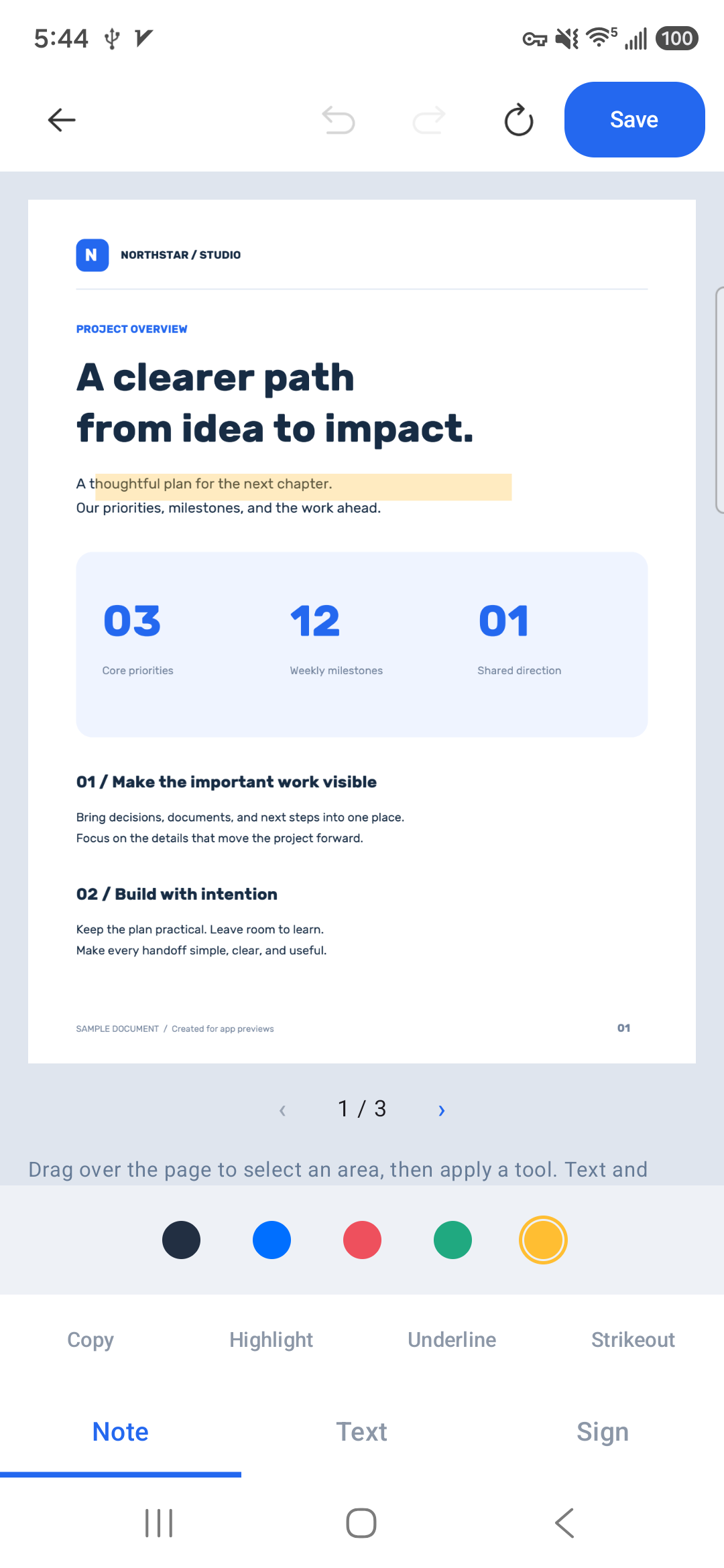
Highlight an important line, add a note, or place a signature. Review your changes and save a new PDF copy when you're ready.
Annotations add to your document. Existing text isn't rewritten, and scanned images aren't converted to editable text.
Open the app and get to your files.
Send a file through the app you select.
Reading and PDF tools run on your phone. System backup and external sharing are separate.
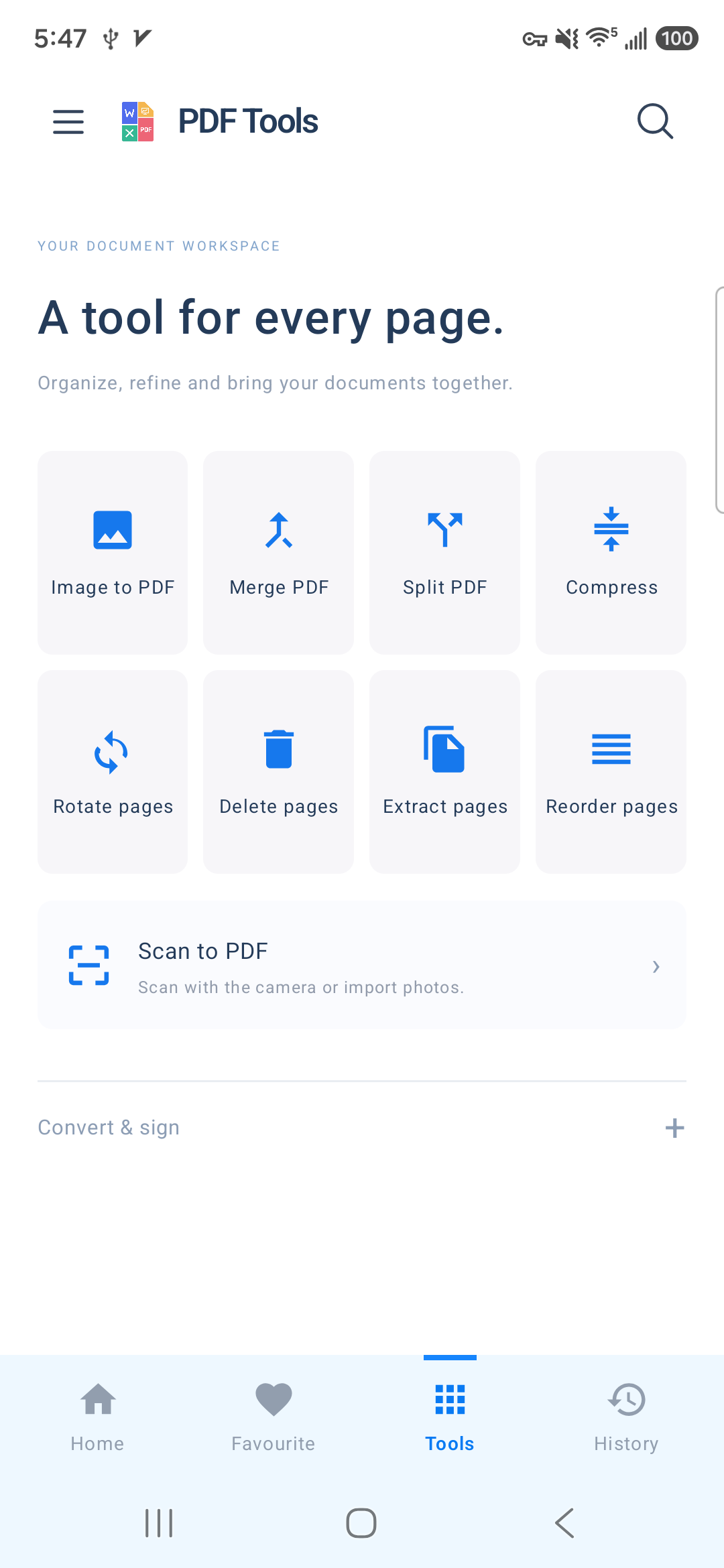
Less searching. More doing. Find a tool, organize the pages and keep the useful things within reach.
The practical details before you start your next document.
All Document Reader supports PDF, Word (DOC and DOCX), Excel (XLS and XLSX), PowerPoint (PPT and PPTX), and plain text (TXT). Complex formatting can vary with the source document and the available rendering support.
You can add text, highlights, lines and signatures to a new PDF copy, and copy existing text from a selected region when the PDF contains a usable text layer. The app does not rewrite existing text objects or perform OCR on scanned pages.
The app renders the Word document and exports those pages into a PDF. The result contains page images, so its text is not selectable. For files with complex layouts, check the preview before sharing the result.
Reading and document processing take place on your device. The app does not automatically upload your documents to a Qwen Apps server. Android backup, the notification service, website hosting and the apps you choose for sharing have separate data handling, explained in our privacy policy.
Choose English, Traditional Chinese, French, German, Spanish, Japanese or Korean, or follow your system language. You can change the selection in the app's settings.
Questions, feedback or a document that needs a closer look?
Qwen Apps is here to help.